
CAD Import for Aluminum Profile CNC Drilling and Milling
CAD import transfers supported geometry into the machining workflow. The programmer still verifies units, origin, face orientation, depths, tools and clamp clearance. Ask which file formats and geometry entities the supplied version supports.
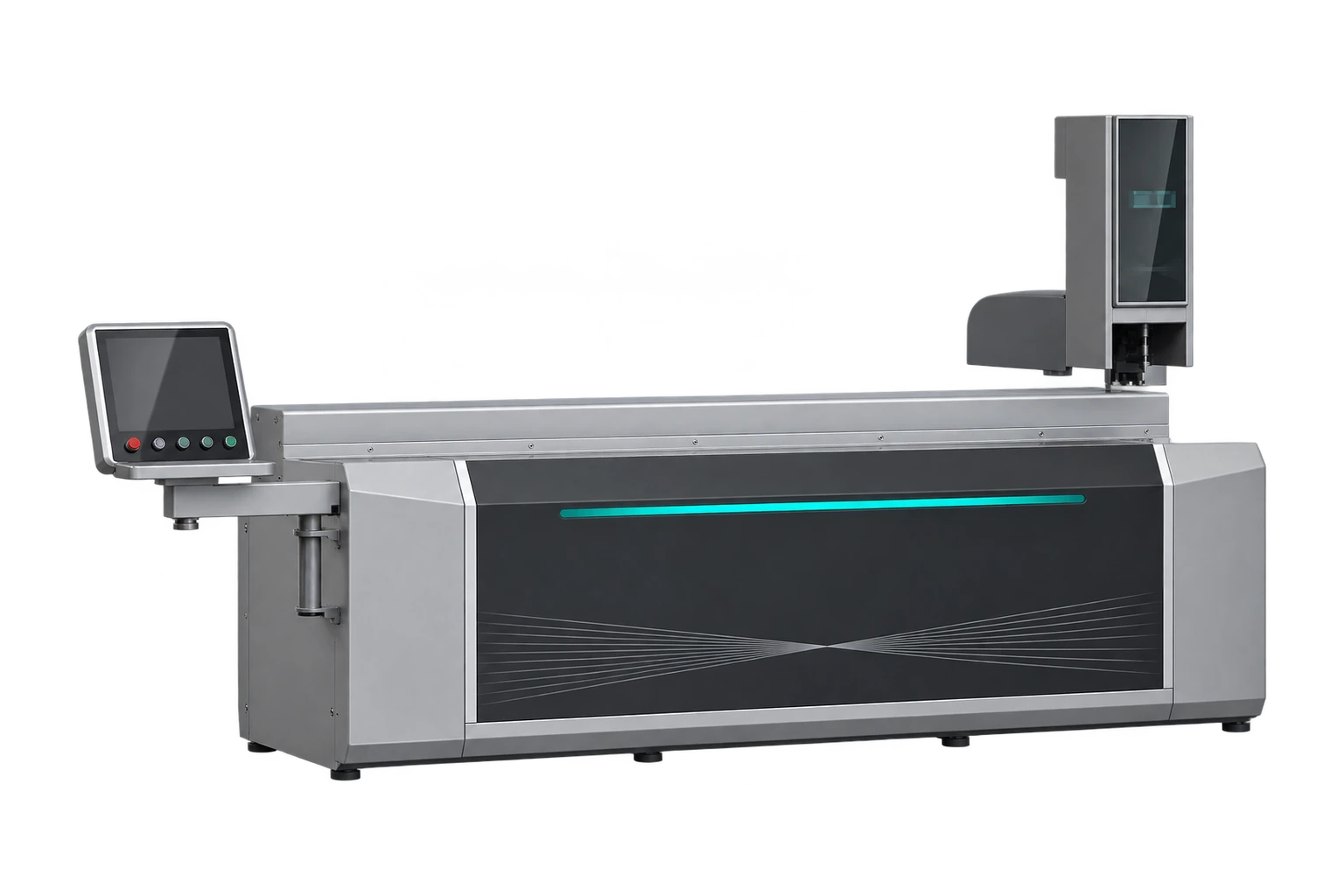
What does CAD import automate?
CAD import transfers supported geometry into the machining workflow. The programmer still verifies units, origin, face orientation, depths, tools and clamp clearance. Ask which file formats and geometry entities the supplied version supports.
How to test an import
Use an asymmetric extrusion with holes on two faces and a slot near one end. Check imported coordinates and faces against the drawing. Time the steps through program setup, first cut and inspection. Ask how a revised drawing is identified and how an older program can be recalled. Jinren lists CAD import for its four-station machine. Test the quoted software version with your actual file.
Related Jinren equipment
Discuss your drawings with Jinren.
Technical reference: Fom CAM workflow and documentation.
What to prepare
Prepare a file using the units and geometry format confirmed by the supplier. Mark the reference end and face orientation separately so a mirrored setup is easy to spot.
What to check during the trial
After import, verify hole centres, pocket depths and whether arcs or splines have been converted. Assign tools, work offsets and clamps deliberately before generating the machining program.
How to record the decision
Run a simulation or dry check, then cut a first article and compare it with the controlled drawing. Repeat the check whenever a drawing or software workflow changes.